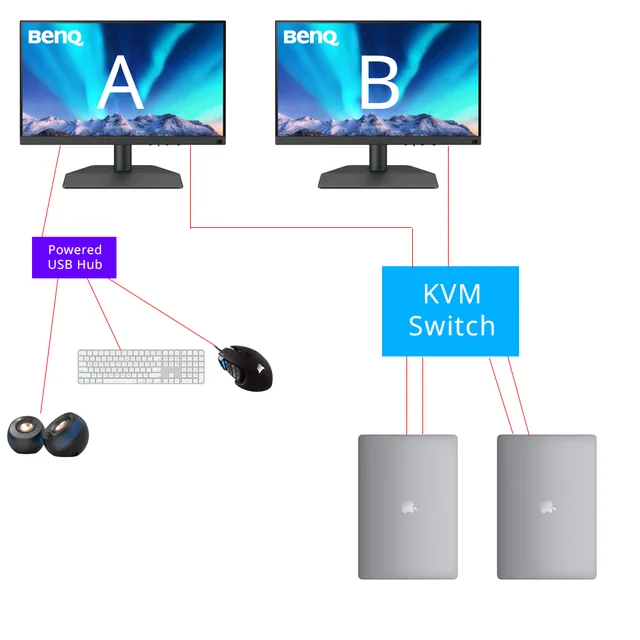
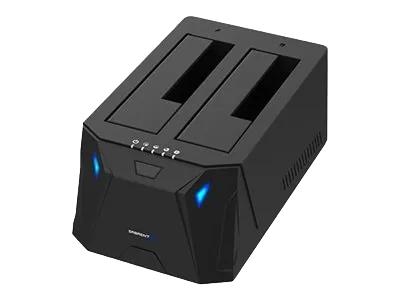
When using the Sabrent USB-CKDH KVM switch on macOS, both connected monitors will display the same (mirrored) content. This occurs because macOS recognizes the KVM as a single video output device.
The USB-CKDH KVM switch allows you to share your keyboard, mouse, and monitor between two computers. However, on macOS systems, the video signal from the KVM is detected as a single external display, not two independent screens.
As a result, macOS automatically mirrors the display across both connected monitors.
This is a macOS limitation, not a hardware issue with the KVM switch, and it affects all similar single-output USB video devices.
Tips:
- To use extended mode (non-mirrored) displays on macOS, each monitor must be connected as a separate video output.
- Consider using a Thunderbolt or DisplayLink-based docking station if you need dual extended displays.
- You can still adjust resolution and scaling for the mirrored display in your Mac’s Display Settings for optimal clarity.