Overview
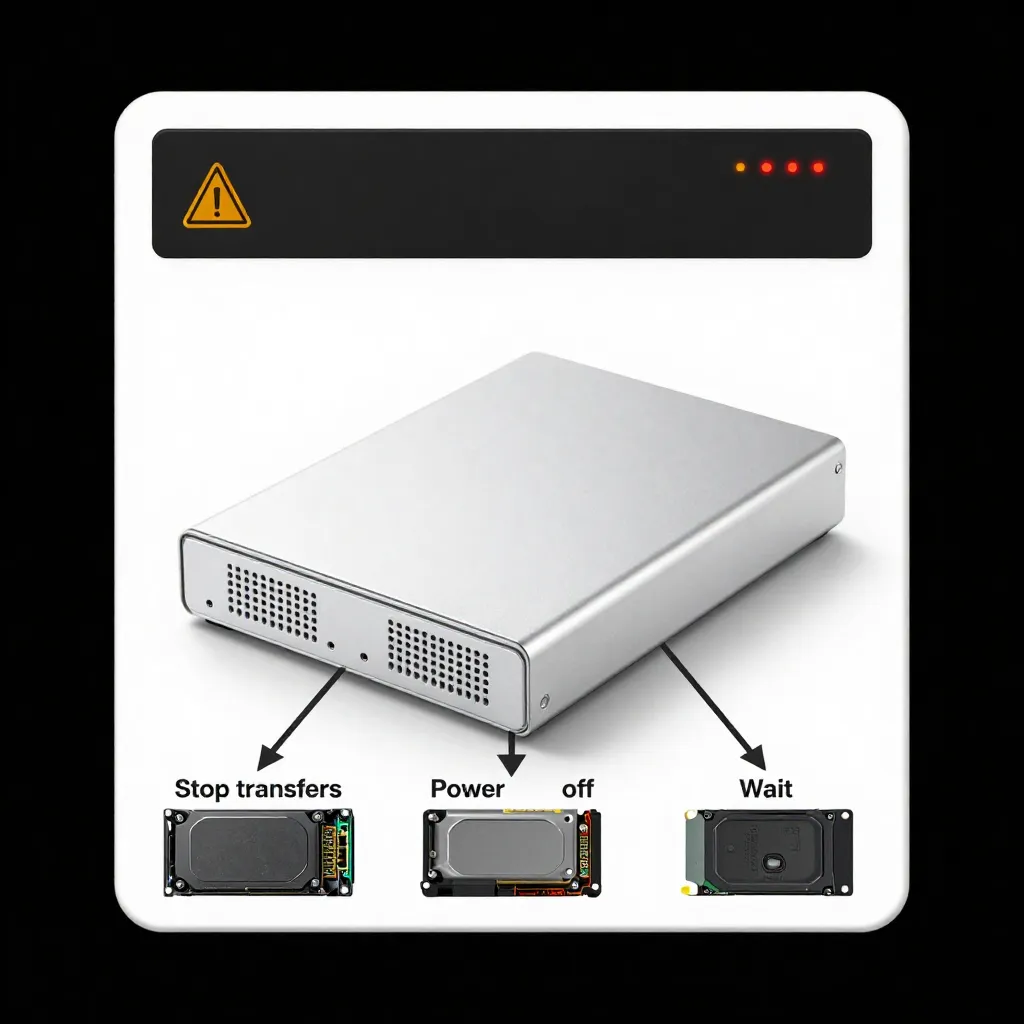
Following the correct power sequence prevents data loss and drive damage.
Best Practices
1. Stop All Transfers First
Ensure no files are being copied.
2. Power Off the Docking Station
Press the power button or unplug the adapter.
3. Wait for Drives to Fully Spin Down
HDDs require several seconds.
4. Remove the Drives
Lift gently from the bays.
Important
Never remove a drive while active LEDs are flashing.