Overview
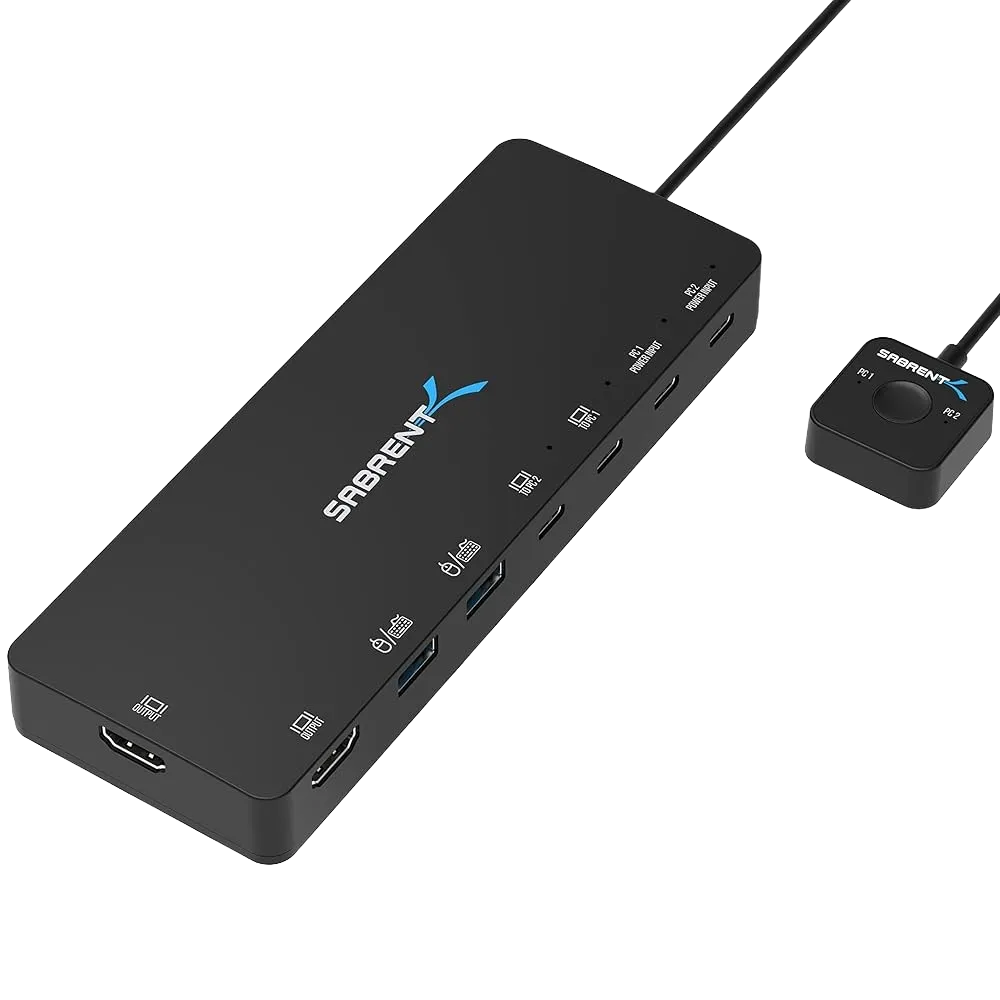
This guide explains how to connect computers and monitors to your Sabrent KVM for dual-display switching.
Setup Steps
1. Connect Your Monitors to the KVM
Use HDMI or DisplayPort depending on your model.
2. Connect KVM to Both Computers
Using the included KVM cables:
- USB (keyboard/mouse)
- Video cable
- Optional audio cable
3. Connect Keyboard & Mouse to the KVM
Use the dedicated USB ports.
4. Power the KVM
Some models require external power.
5. Switch Between Computers
Use the button, keyboard hotkey, or remote switch.
Important
Both computers must support dual-monitor output.
Troubleshooting
- If a monitor isn’t detected, check cable seating and verify correct inputs.