Overview
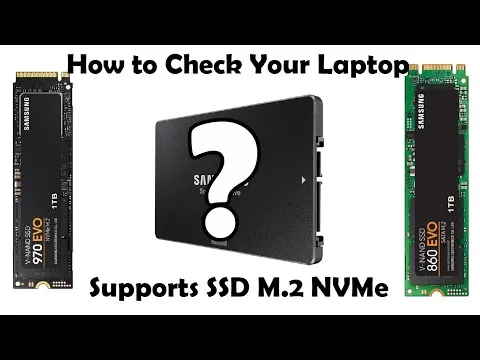
Not all M.2 slots support both drive types. This guide shows you how to identify your slot capability.
What You Need
- Device model number
- Access to your system manual or motherboard specs
Step-by-Step Instructions
- Check Your Manual
Look for “M.2 Slot Support” or “Interface Type” sections.
- Check Key Type
-
M-key: usually NVMe
-
B-key: usually SATA
-
B+M: may support both
- Use System Information Tools
Tools like CPU-Z or manufacturer utilities show slot type.
Troubleshooting Notes
- Some laptops have NVMe slots but limit speed.
- PCIe lane count affects performance.
Extra Tips
- When unsure, match the SSD type to what originally came with your system.
- Use Sabrent compatibility charts for confirmation.