Overview
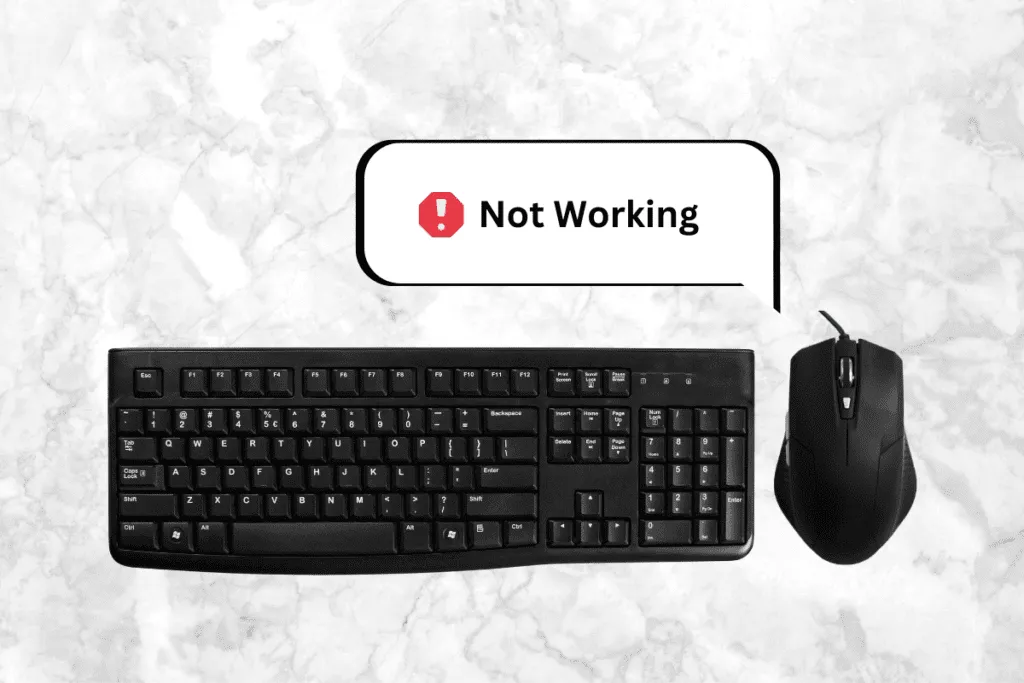
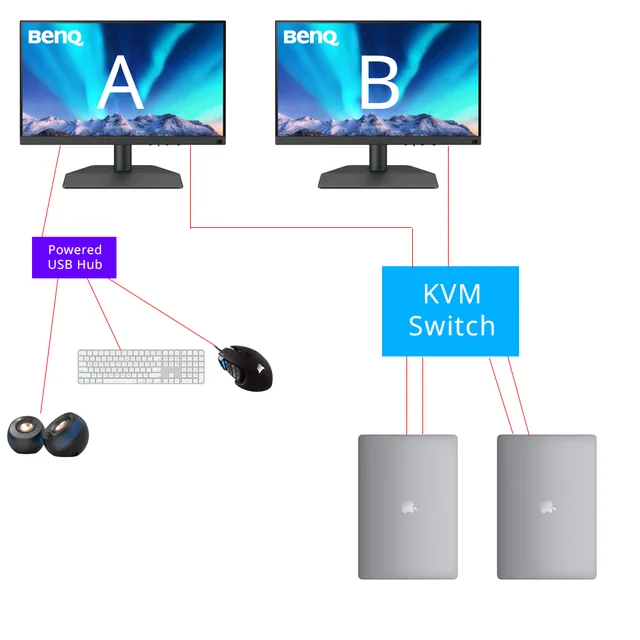
If your peripherals are not detected through the KVM, try these steps.
Steps to Fix
1. Reconnect the USB Cable From KVM to PC
Loose connections are the most common cause.
2. Use the Dedicated Keyboard/Mouse Ports
Avoid connecting them to USB 3.0 ports.
3. Disable USB Power Saving
On Windows: Device Manager → USB Root Hub → Disable selective suspend.
4. Test With Wired Devices
Some wireless keyboards require separate dongles.
Important
Gaming keyboards with high power draw may require additional power.