Overview
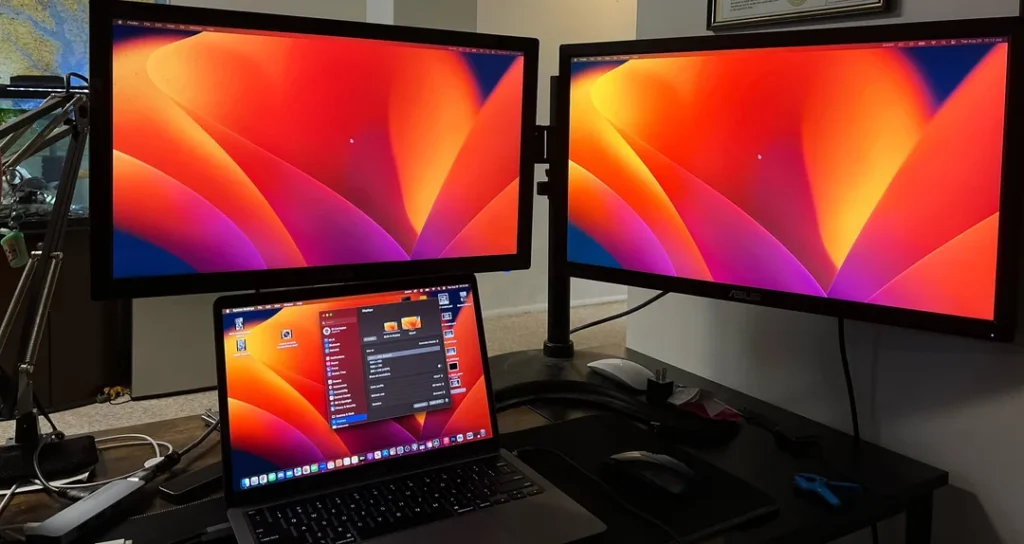
macOS may mirror displays when connected through a KVM.
Fix the Mirrored Display Issue
1. Open System Settings
Go to Displays.
2. Disable “Mirror Displays”
Uncheck the toggle.
3. Arrange the Displays
Drag them to match your physical monitor layout.
Important
Older Macs may not support extended dual displays through certain adapters.