Overview
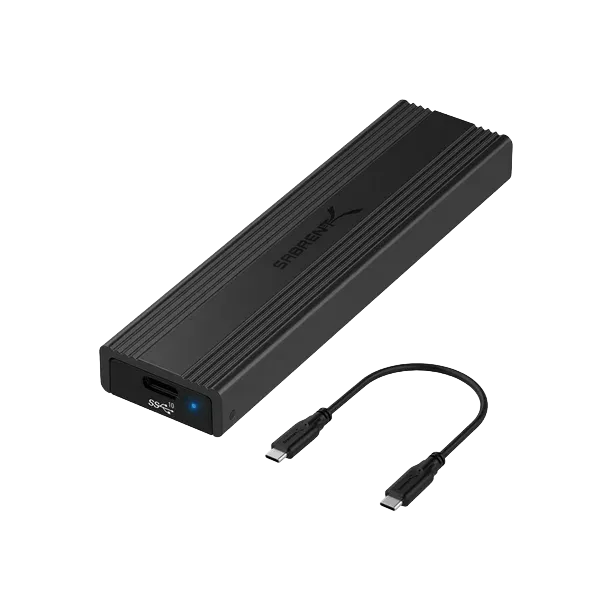
Firmware updates improve performance, fix bugs, and enhance device compatibility. This article explains how to check and install the latest firmware for your Sabrent product.
How to Check for Firmware Updates
1. Identify Your Product Model
Locate the model number on your device label or packaging.
2. Visit the Sabrent Downloads or Support Page
Navigate to the product’s support section.
3. Search for Your Model
Use the search bar or browse by category (e.g., SSDs, enclosures, hubs).
4. Download the Firmware Package
Firmware files usually include:
- Firmware updater
- Release notes
- Step-by-step instructions
5. Run the Firmware Tool
Close all other applications before starting the update.
6. Restart Your System
After the update completes, safely disconnect and reconnect your device.
Important
Install only firmware intended for your exact model. Using the wrong version may cause malfunction.
Tip
Check firmware updates periodically if you use your device for high-performance workflows.