If your external hard drive frequently disconnects when your Mac goes to sleep or dims, this behavior is often caused by macOS power-saving settings that temporarily power down inactive drives.
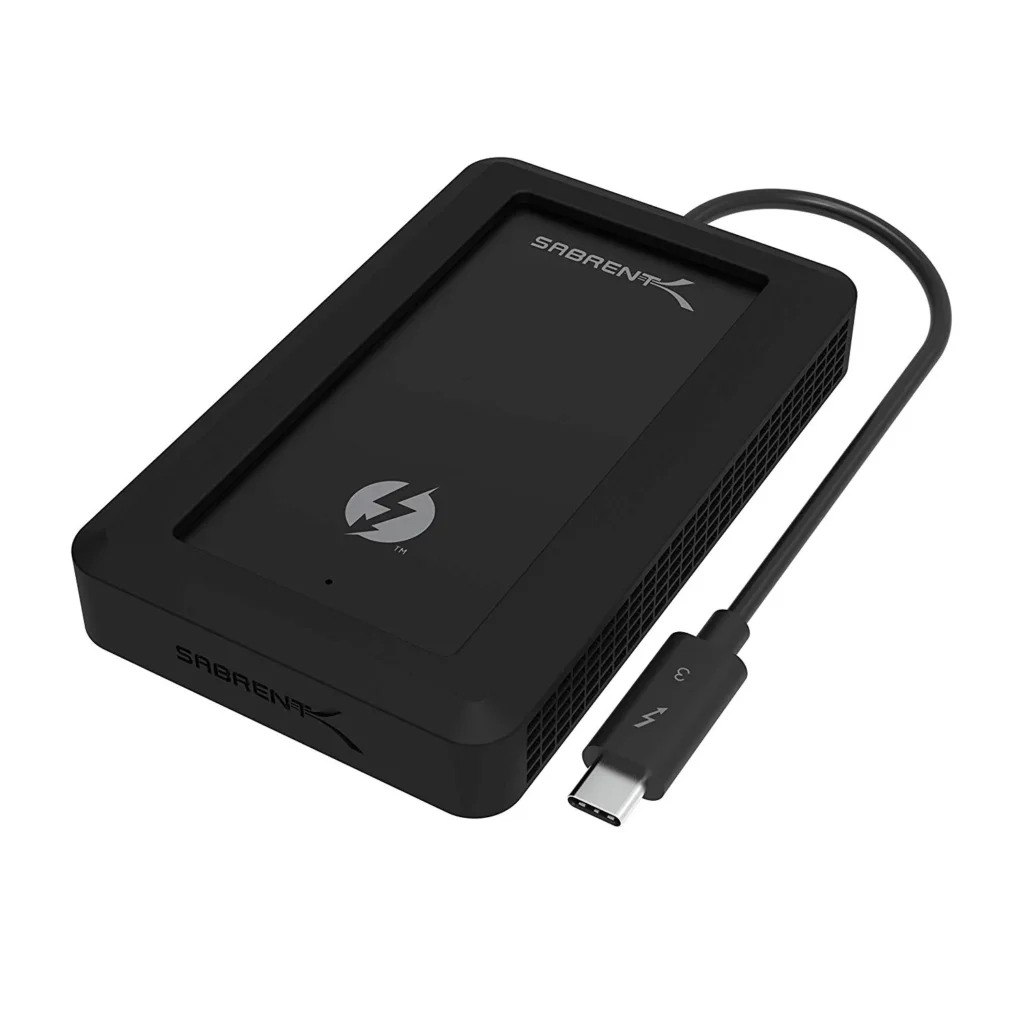
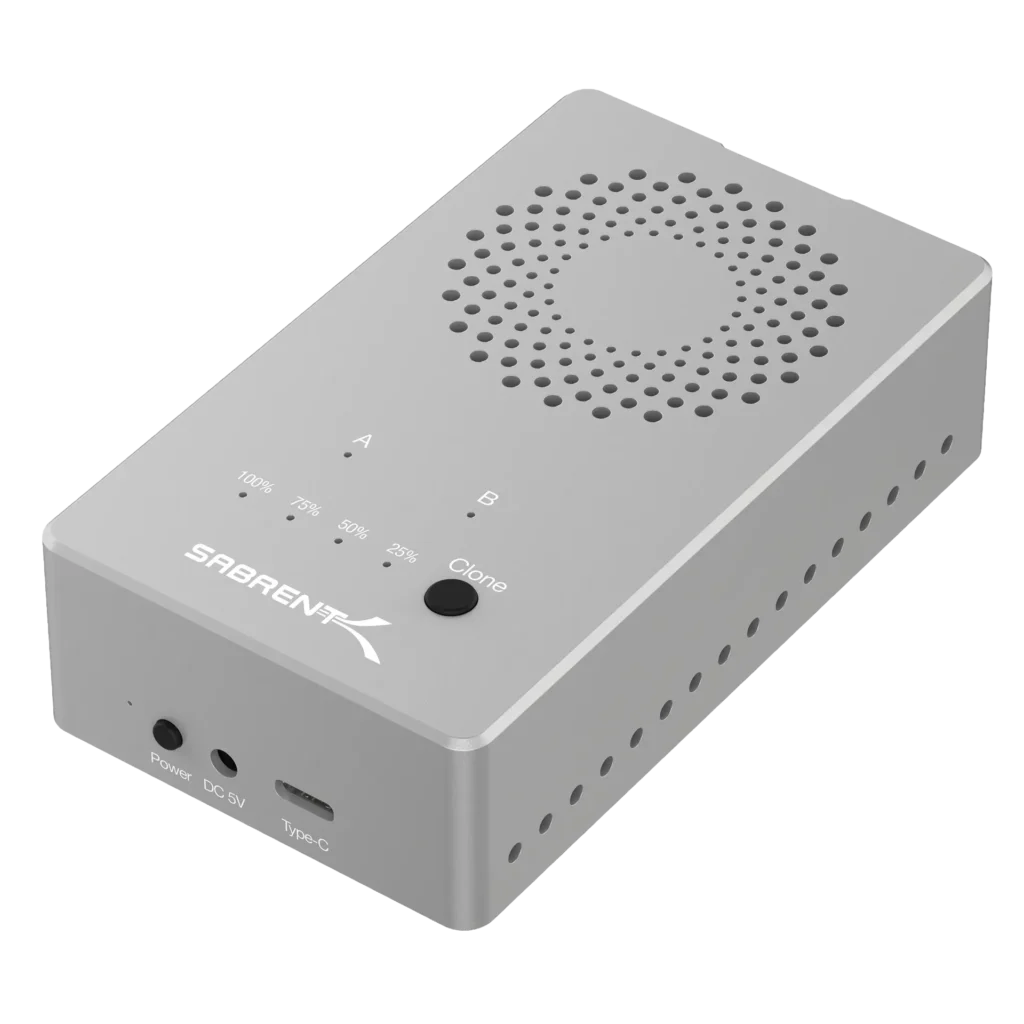
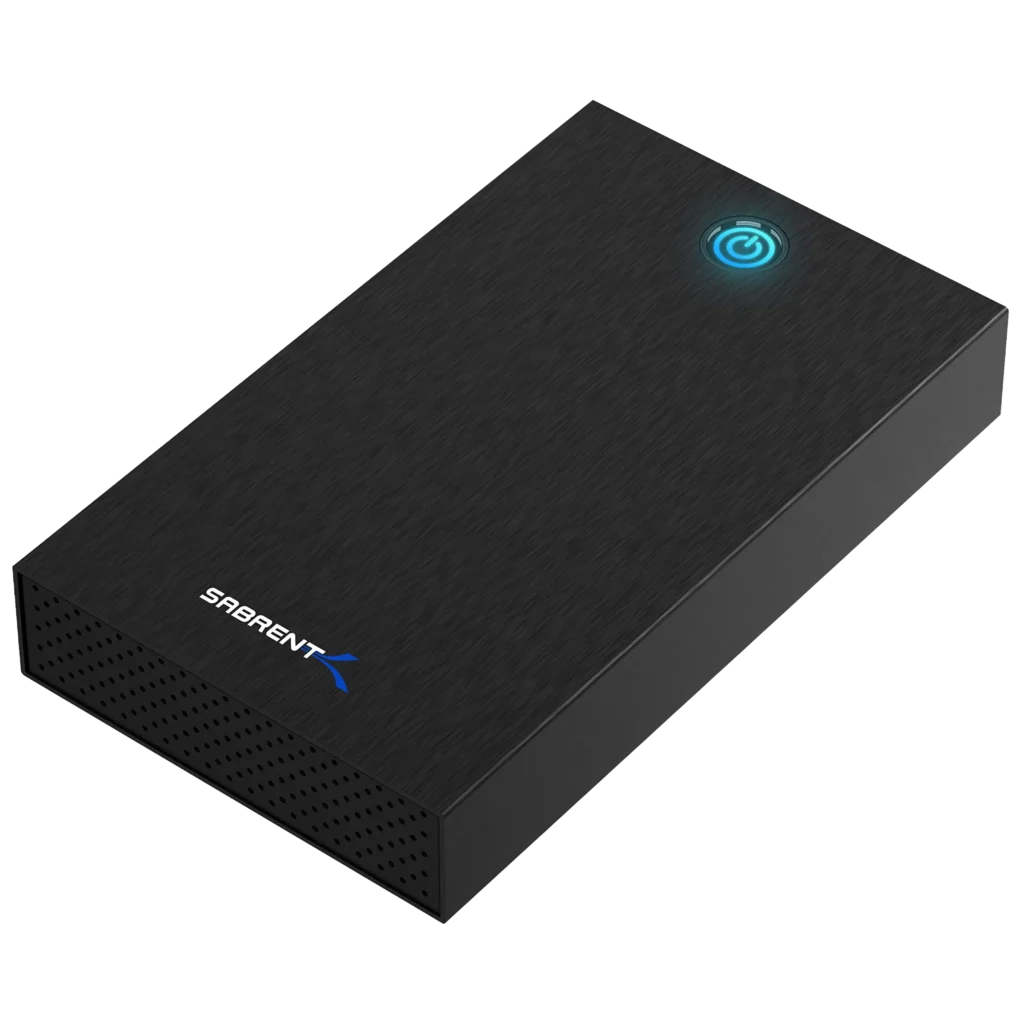
MacOS manages sleep and energy usage automatically, and by default, it may put external drives to sleep to save power. When this happens, your Sabrent enclosure may appear to disconnect or eject unexpectedly.
To reduce or prevent these disconnections, you can adjust your Mac’s Energy Saver or Battery settings:
- Open System Preferences (or System Settings on macOS Ventura and newer).
- Go to Energy Saver or Battery → Power Adapter.
- Uncheck the option that says “Put hard disks to sleep when possible.”
This prevents macOS from powering down your external drive during system sleep and usually resolves the issue.